A graph instead of a prompt: how the studio builds a voice agent from text
One long prompt sounds good in a demo and falls apart on the hundredth call. So Studio builds the conversation as a map you can read and check.
HANCA voice agent is usually written as one long prompt. It works in a demo and fails on the hundredth call: someone interrupts, someone says “well, maybe”, someone asks about delivery in the middle of a booking. And the prompt won’t tell you where the conversation went wrong.
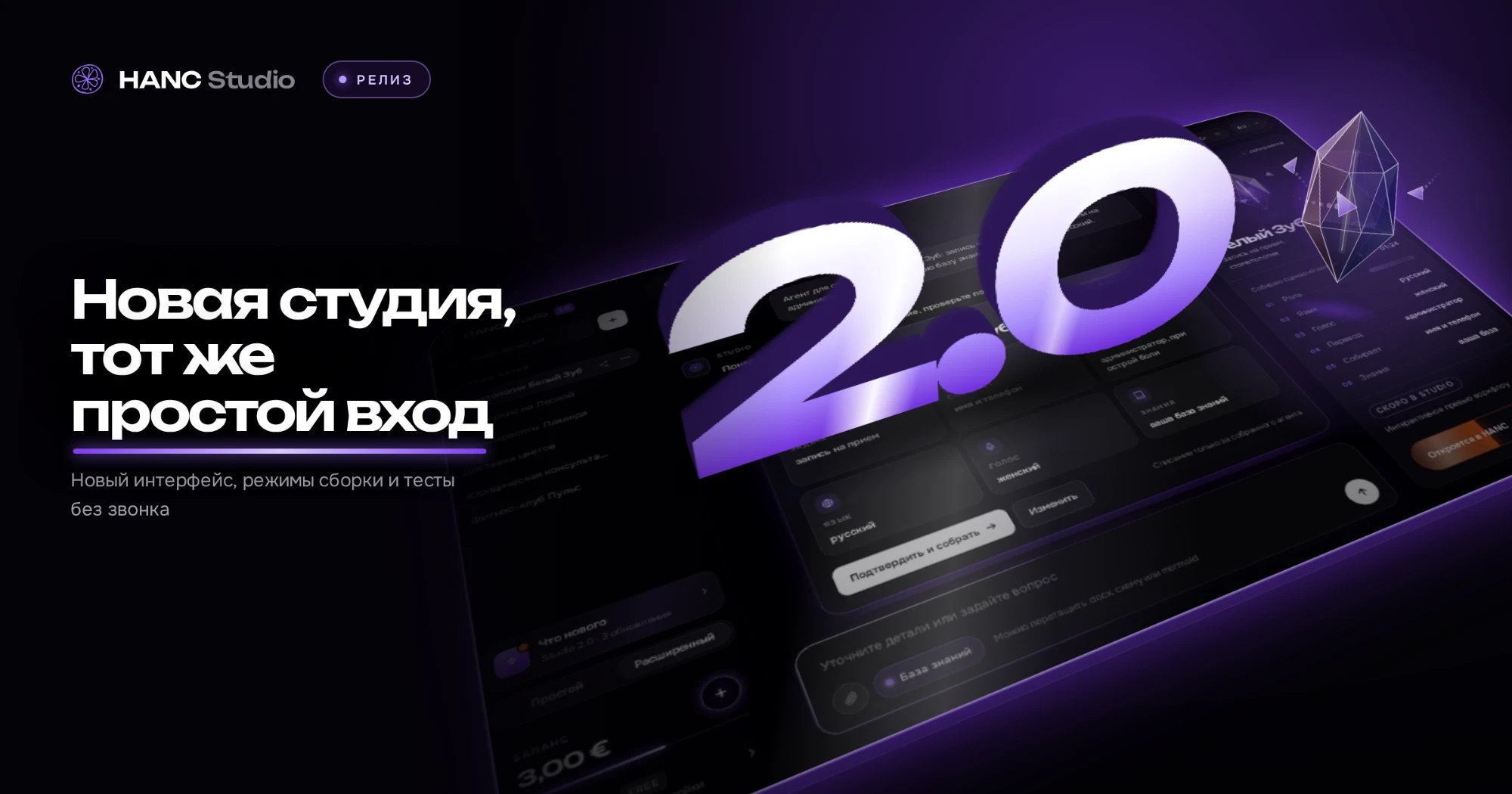
HANC Studio builds the agent differently.
A description, not an instruction
You describe the job in your own words: who calls, what needs to happen, when to hand off to a person. Attach a document, a diagram or a link to your website — Studio pulls out the requirements and shows you the spec to confirm.
A map, not a wall of text
The spec becomes a map of the conversation: greeting, questions, branches, actions and the ending. You can open it, show it to a colleague and point at a step: this is where the agent says too much.
Predictable answers
Where the conversation goes is decided by the map’s rules, not by the model’s mood. The same caller answer takes the same path every time.
Checked before it goes live
Before the agent appears in your account, Studio checks that every branch has an ending, that there are no dead ends or loops, and that the handoff goes to a real number. Then it runs the conversation against your conditions and shows what passed and what didn’t.
Edits in plain words
Change a finished agent with a plain sentence: “change the greeting”, “add a branch for rescheduling”. Everything else stays as it was.
A prompt can only be trusted. A map can be read, checked and fixed.